Embedding an Upgrade into Real-World Operations
Suppose an office building plans to update the software of a group of access control devices to fix a confirmed issue. Test personnel observe that the version number has been successfully updated, but front-desk staff worry night-shift personnel may be unable to enter, and facilities teams need to confirm compatibility with existing controllers. This is a hypothetical scenario and does not reflect any actual product failure. Access control changes affect more than just the management interface—they impact normal personnel access, on-site coordination, and who assumes responsibility during anomalies. Therefore, acceptance cannot stop at device reconnection.
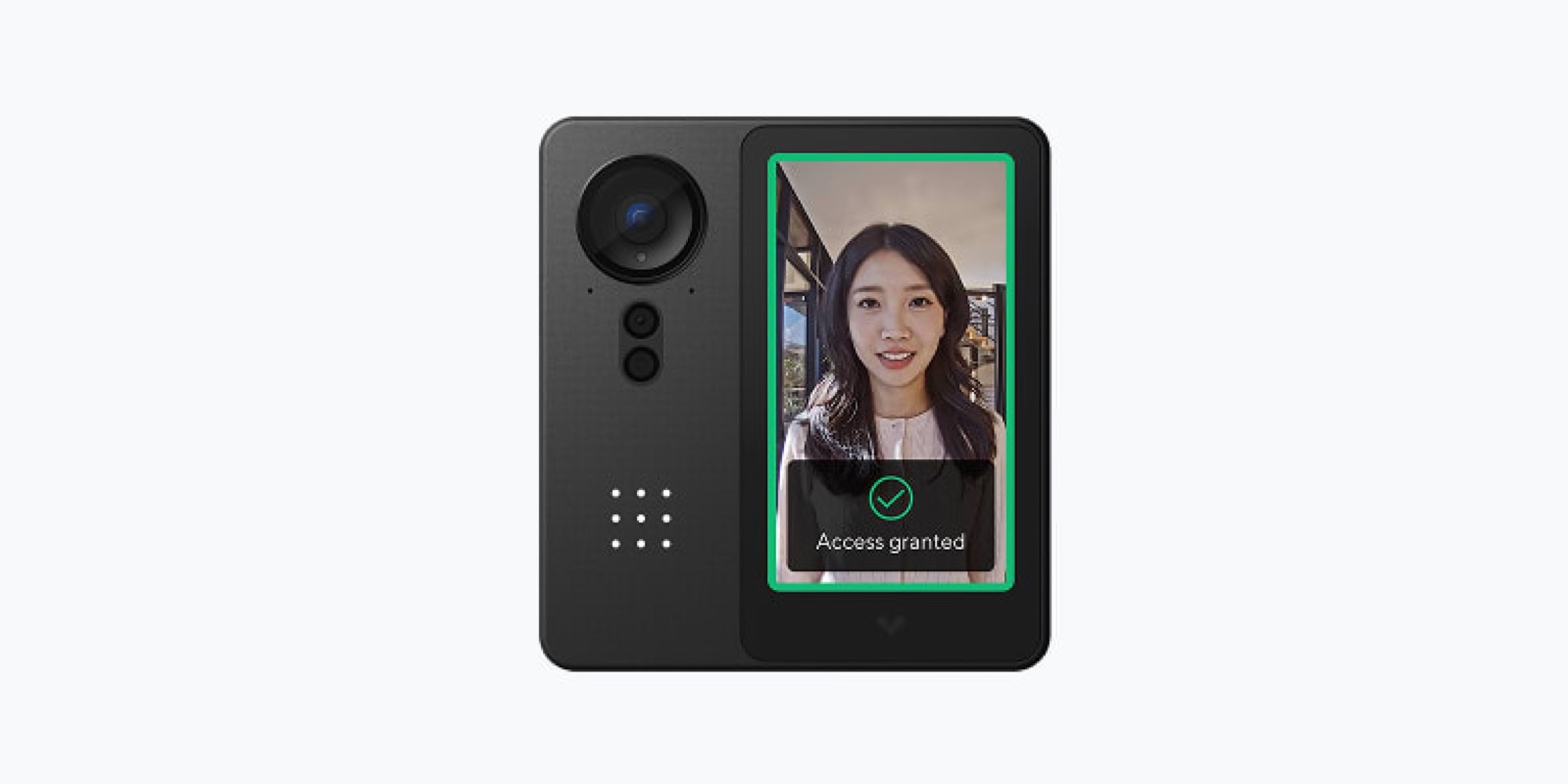
JOTOglobal recommends starting with one representative device where impact is controllable, clearly specifying the upgrade objective, approver, executor, on-site observer, and stop conditions. The cover image shows hardware for illustration only and does not indicate support for all operations described herein. Actual upgrade, downgrade, and backup capabilities must be verified against the specific model, hardware revision, and vendor-supported procedures—not assumed based on other product lines.
First, Confirm Change Basis and Dependencies
NIST SP 800-53 Rev.5 includes configuration change control (CM-3) and flaw remediation (SI-2), offering governance references for managing changes—but it does not prescribe universal firmware operation steps for all access control devices. The on-site verification checklist, role assignments, and rehearsal methods in this article are JOTOglobal’s independent recommendations. Organizations must align execution with security responsibilities, site-specific policies, and vendor documentation—not treat adoption of this checklist as certification or full compliance with building safety requirements.
The system owner first verifies the upgrade package source, applicable model, hardware version, current software version, target version, and known limitations. Review release notes related to this version to confirm impacts on data format, certificates, interfaces, or management platform compatibility. The upgrade package must originate from an organization-approved vendor channel and be integrity-checked using the vendor’s specified method. A successful checksum only confirms file integrity—not on-site compatibility.
List dependencies including controllers, card readers, management platforms, identity data synchronization, network, and power supply. The facilities lead identifies which doors relate to on-site emergency procedures; the business lead confirms acceptable maintenance windows. Where fire alarm integration, emergency egress, or other safety systems are involved, qualified teams with corresponding responsibilities must handle them per site requirements. This article provides no instructions for modifying such protective mechanisms—and does not recommend disabling protections to complete upgrades.
Backup and Rollback Must Undergo Capability Verification
Before execution, save essential configurations supported for export by the vendor. Record the device, timestamp, versions, and storage location of each backup—and restrict access. Configurations may contain personnel identifiers, network details, or credentials; they must not be uploaded directly to public ticketing systems. If a valid test environment exists, verify whether backups can be read and what conditions restoration requires. Merely seeing a backup filename is insufficient to confirm recoverability after device failure.
The rollback plan must distinguish among three paths: restoring configuration, reverting to the previous software version, and replacing with a spare device. Some updates may alter data structures or prohibit downgrading—this must be stated explicitly per actual vendor support. If reverting to the original version is unsupported, “one-click rollback” must not appear in the plan; instead, specify an approved spare device or on-site support option—with clear acknowledgment that recovery time remains unverified. Without an acceptable recovery path, prerequisites must be fulfilled before expanding production changes.
Coordinate Technical Execution and On-Site Observation During the Maintenance Window
Prior to upgrade, the on-site lead confirms notifications have reached relevant personnel, temporary access arrangements follow existing policies, and on-call support is reachable during anomalies. Technical executors follow approved steps; observers record device status, timestamps, and actual impact. If unexpected offline states, repeated reboots, or data anomalies occur, pause per stop conditions and escalate—not continue unverified steps due to approaching window end.
Record the upgrade package identifier, start/end times, device state changes, and execution results. Store necessary logs in a controlled location. After completion, first verify version and configuration, then check management connectivity, identity data sync, and event logging. Device discovery by the platform and correct physical access functionality are two distinct outcomes—network connectivity or accessible management pages must not substitute for operational acceptance.
On-site testing uses authorized test identities and clearly defined scope. Verify whether valid identities can access per existing rules during approved time windows, whether invalid or revoked identities remain denied, and whether related event timestamps and outcomes are correctly logged. Do not temporarily expand permissions for real personnel to conduct tests, nor modify locks, emergency interlocks, or egress arrangements for rehearsal. Projects involving special access mechanisms must be accepted and boundary-documented by respective specialist teams.
Include Failure Recovery in Acceptance
Under safe, approved conditions that do not compromise on-site protection, validate handling of maintenance connection loss and handover to backup support. Whether actual downgrade or replacement occurs depends on vendor support and on-site risk assessment—not on deliberately disrupting production equipment to prove rollback capability. If only recovery documentation has been reviewed without hands-on testing, state explicitly in acceptance records: “Documentation reviewed; procedure not verified”—avoiding conflation of plan with evidence.
The acceptance checklist must separately list technical status, normal access, access denial, log completeness, and outstanding items—with conclusions signed by responsible leads. When anomalies occur, specify affected scope, interim measures, and next retest timing. Only tested components may be marked passed. Never substitute success from other devices for testing of the current model—or omit validation of night-shift–related rules simply because daytime operation appears normal.
Expand Batch Size Only After Evidence Is Obtained
After the first device, retain an observation period aligned with real-world operations before proceeding batch-by-batch—grouped by device model, location, and dependencies. Maintain traceable device lists and change records per batch so faults can be rapidly traced to updated or unchanged devices. Between batches, review anomaly trends; if common issues emerge, pause further expansion—not let all sites simultaneously enter a state requiring manual intervention.
After change completion, update device inventories, version baselines, backup locations, and support contacts—and deactivate unnecessary temporary maintenance permissions. This article does not replace vendor operation manuals, on-site safety policies, or professional integrated acceptance. Deliverables should constitute a justified, traceable, and clearly bounded change: knowing why the upgrade occurred, which functions were tested, which conditions remain unverified, and who is accountable for restoring on-site operations during anomalies.