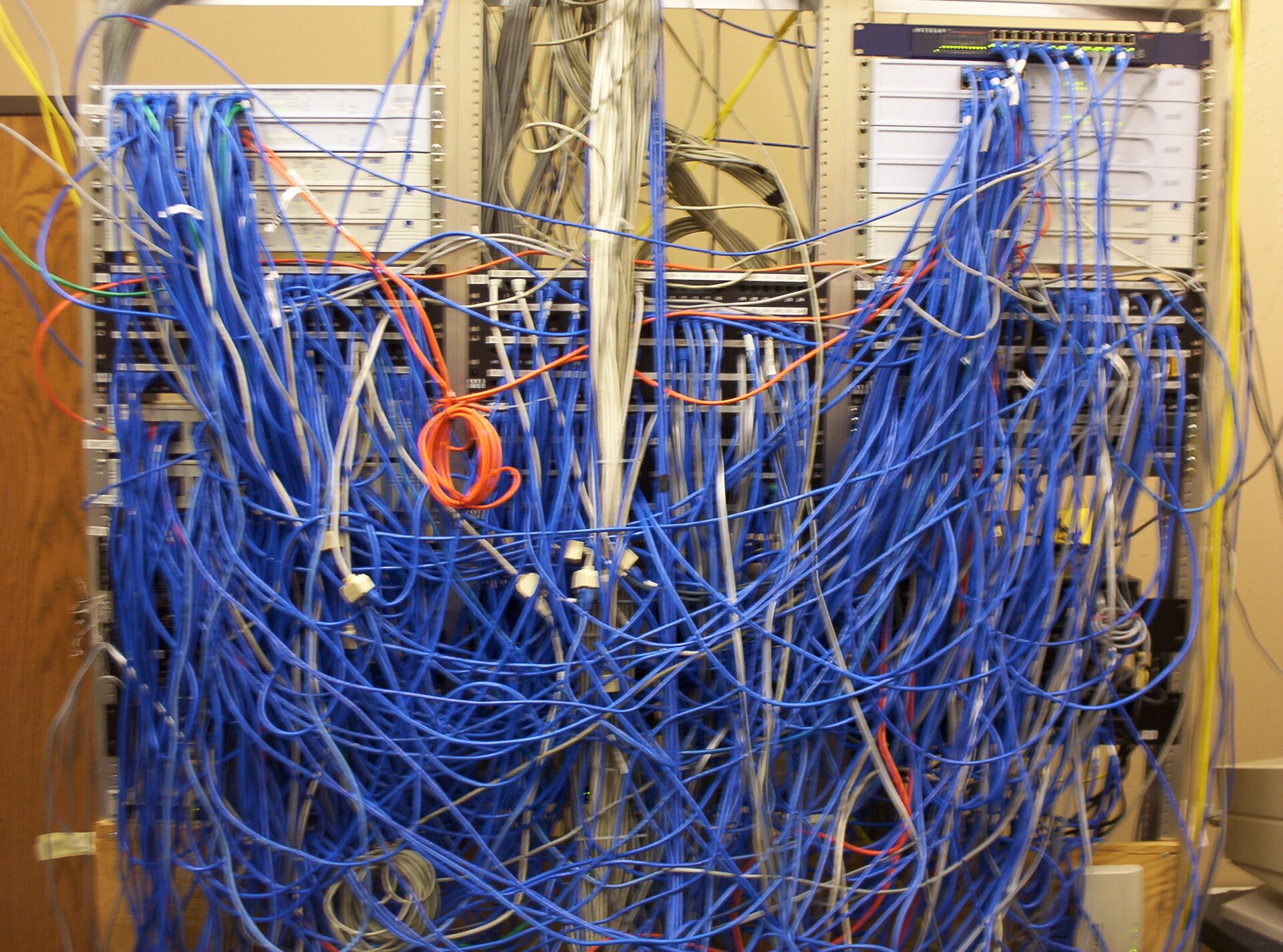
Group devices instead of queuing them one by one
Consider a hypothetical enterprise with a head office and a dozen branches. Its core switches, branch routers and perimeter firewalls come from different generations, and patches have been applied one device at a time whenever a network engineer had spare time. When a vendor publishes a security advisory, the security team asks for a fast fix, while business teams worry that an upgrade and reboot will interrupt point-of-sale systems and video meetings. In the end nobody wants to sign, and the devices stay on old versions. The root of this deadlock is not technical difficulty. It is the absence of a prior agreement on who judges the risk, which window is used and how to back out if something goes wrong.
NIST's 2022 guide to enterprise patch management planning frames patching as preventive maintenance for technology and recommends that leadership, business owners and technology teams build an enterprise strategy together rather than leaving the burden to operations staff alone. Following that idea, JOTOglobal suggests grouping network devices by business impact: redundant devices that carry core services, branch devices that run as single points, internet perimeter devices, and lab or spare equipment. For each group, record the business owner, the acceptable maintenance period, the routine cadence and the accelerated path for emergencies, and have the business owner sign it. Each later patch is then executed by group, without renegotiating every time. The group list should also record each device's model, current version, support status and management address. Where asset records do not match the real device, the network lead checks on site before scheduling, so the team does not discover on the day of the window that a model or license differs from the plan.
Prepare rollback conditions before the window
Once the window is set, the network lead completes three preparations before touching anything. First, export the running and startup configurations, record the current software version, image checksum and free storage, and confirm that the old image is still kept on the device or in controlled storage. Second, read the release notes for the target version, check known issues, the minimum upgrade path and compatibility with existing modules and licenses, and trial the install on a spare device or in a lab where needed. Third, write down the rollback triggers, such as a critical link that does not recover within the agreed time, routing neighbors that fail to re-establish or business probes that keep failing, together with who decides to roll back and roughly how long rollback takes.
For core devices deployed in pairs, upgrade the standby node first and continue with the primary only after state synchronization and traffic failover are confirmed. For branch devices that run as single points, notify the store or office in advance and arrange an on-site contact and an out-of-band management path. Firewall rules or session tables may need to be reloaded after an upgrade, so the change ticket should state whether existing connections will be interrupted. All preparation material is attached to the change ticket, so the approver sees facts that can be checked rather than a single line saying the risk has been assessed. If the approver finds that rollback would take longer than the interruption the business can accept, the plan should be adjusted before the window, for example by moving to a longer maintenance period, adding a temporary backup link first or splitting the work into two changes, instead of hoping the upgrade succeeds on the first try.
Accept the result at two levels
The first level is a device check by the network engineer: the software version matches the target, the image checksum passes, interface and link aggregation states are normal, routing neighbors and high-availability status have recovered, and no new alert repeats in the logs, all compared item by item with the state exported before the upgrade. The second level is a set of probes agreed in advance and run by the business side inside the window: sign in to key applications, complete a test transaction, place a branch voice call and open a video meeting. Both results go into the change ticket. If either level fails, the team acts on the conditions written beforehand instead of debating on the spot whether to accept. Probes should follow business paths that genuinely depend on the devices being changed and should be run by people who know that business. A network engineer opening a web page is usually not enough to prove that store checkout or cross-region voice has recovered.
Acceptance should also cover an observation period after the window. Some problems appear only at traffic peaks, during certificate rotation or during night-time backups, so the network on-call engineer checks key indicators again at the next business peak and adds the observation to the change ticket. If other devices in the same group are waiting, confirm that the first device stays stable through the observation period before moving on. Throughout, keep before-and-after version screenshots or command output, business probe records and the names of those who signed off, for audit and for reuse next time.
Common mistakes and limits
One common mistake is to treat the absence of reported problems from the vendor as a reason to postpone indefinitely. Another is to skip rollback preparation after an urgent advisory and upgrade production devices directly. The first leaves known vulnerabilities exposed for a long time, and the second can turn a security issue into a business outage. A steadier approach is to run routine patches by group, send urgent patches through a pre-approved accelerated path, and still keep every rollback condition and business probe. If an upgrade is temporarily impossible, record which interim mitigations were applied, who approved accepting the remaining risk and when it will be reviewed. Patch completion rates can serve as a management metric, but they should be reported together with the number of patches delayed for lack of rollback conditions or business probes, so the organization can see where the process itself needs improvement.
The grouping and acceptance method here is organizational guidance from JOTOglobal for common enterprise network environments. It does not replace vendor upgrade instructions and does not guarantee that any version is free of compatibility problems. Devices that are out of support and can no longer receive patches need a separate replacement or isolation plan, and regulated industries should also follow their own change and record-keeping requirements. Specific maintenance periods, the length of the observation period and rollback time limits should be set by each enterprise according to its business impact.